5 Useful Free Websites for Artists

Creative hobbies, in general, have a reputation for being somewhat hard on the wallet. Whether or not that's entirely deserved, it's true that there are pricey temptations to be found everywhere, from software subscriptions to online courses to premium brush packs. Combine that with ADHDers' propensity for impulsive spending, and an artistic pursuit could start to seem like a fast track to financial ruin.
Fortunately for those of us who aspire to eating more than instant ramen each day, the number of free and low-cost resources available to artists is greater now than ever before. For your consideration, here are just a few of my favorite freebies. Enjoy!
1. POSEMANIACS
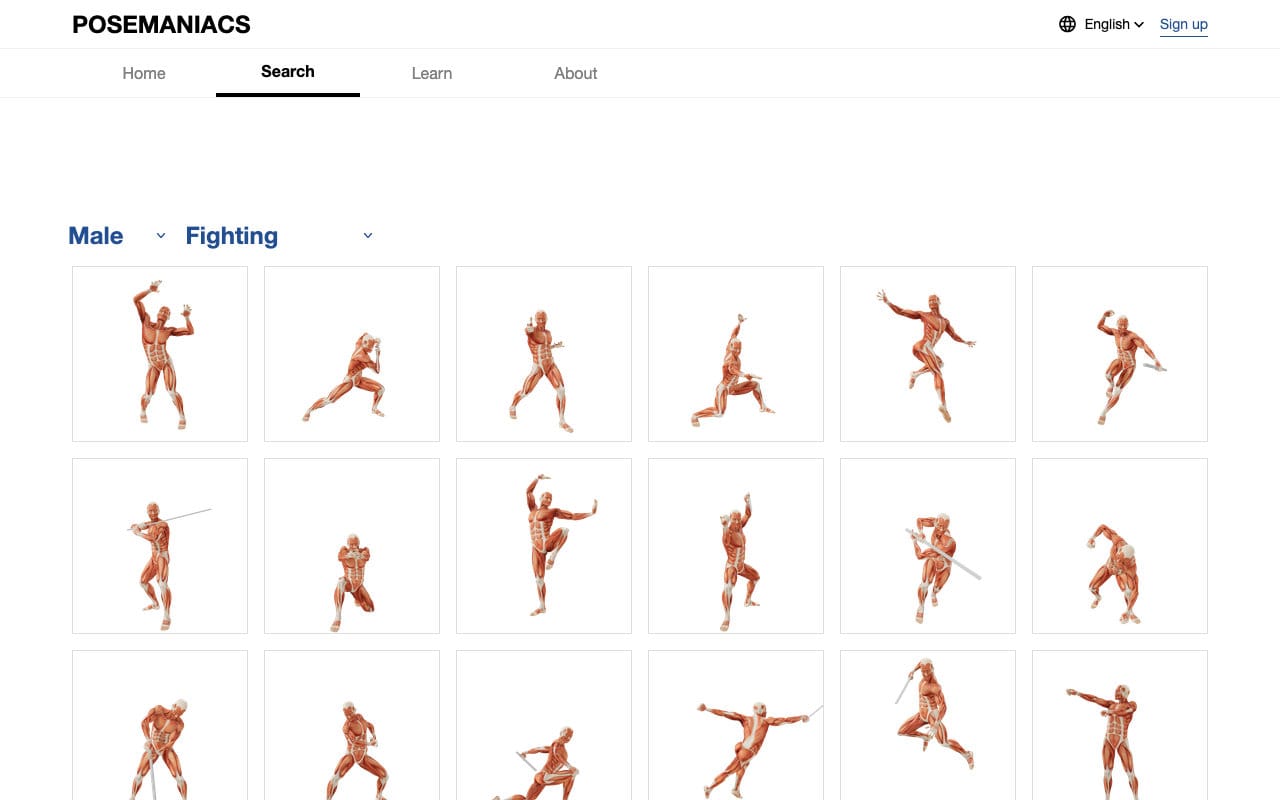
If you spend any amount of time depicting humans in your work, sooner or later, you're going to need reference. Enter POSEMANIACS, a searchable database of 3D pose models for use in your creative projects. Poses are filterable by tag, and you can choose between male or female musculature for your preferred pose. The camera angle can be freely adjusted, and various options are available for customizing the display, from bounding boxes to floor grid lines to toggleable shadows. If you use Clip Studio Paint, you can even import poses directly into it for use with your favorite models or scenes.
The 3D pose library might be POSEMANIACS' main draw, but it's not all that there is to see. You'll also find photo reference images, a 30-second random pose tool for practicing gestures, video courses, and much more. (Note that some image resources, such as the face reference library, may be AI-generated—in my experience, these are clearly marked for those who wish to avoid them.) While some of the educational content is available only in Japanese, there's still plenty to enjoy for speakers of other languages. All in all, it's a great resource to keep handy for whenever you're feeling stuck or in need of a visual aid.
2. JustSketchMe
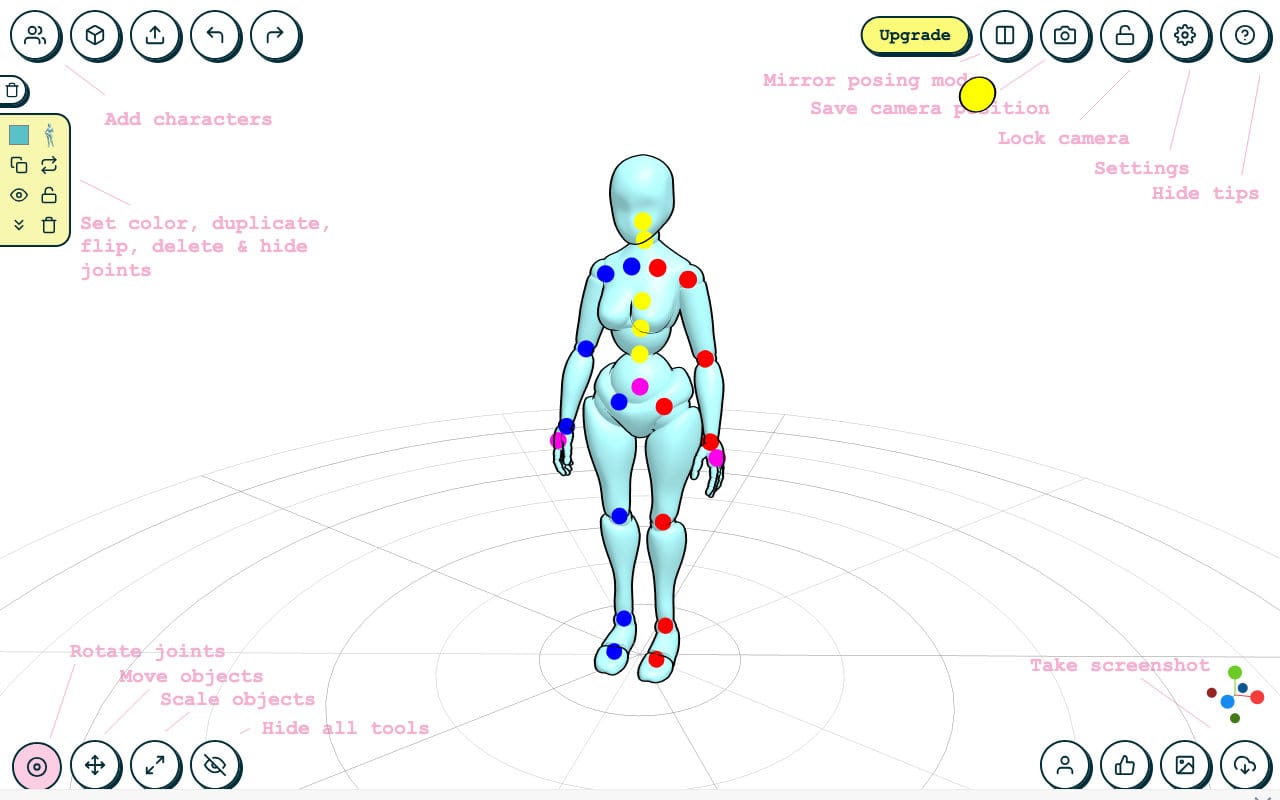
Pose reference libraries are great for quickly searching up reliable images, but there are times when you might want something a bit more specific. Maybe you're depicting a scene with several characters interacting, or perhaps it's an action scene with props and tricky camera angles. Some artists choose drawing applications that offer built-in pose models, like Clip Studio Paint; others rely on dedicated pose tools, such as DesignDoll; still others purchase articulated figures from lines like Bandai's S.H.Figuarts, designed specifically with artists in mind. Of course, there's one thing that almost all of these share in common: they aren't free. And in the case of software-based solutions, they might not even work on your preferred hardware. (The aforementioned DesignDoll, while popular with some artists, is only available for Windows PCs.)
JustSketchMe aims to replicate much of the functionality of popular non-free pose tools, including multiple types of articulated models, adjustable colors, camera angles, and lighting, and the ability to place and manipulate props within scenes. Finished scenes can be exported as screenshots to drop into your preferred drawing app. Because it's web-based, JustSketchMe will work on nearly any device with a modern web browser, including mobile devices.
A larger selection of models, props, and features is available to users who purchase Pro licensing, either monthly or as a one-time payment.
3. KRESKA.art
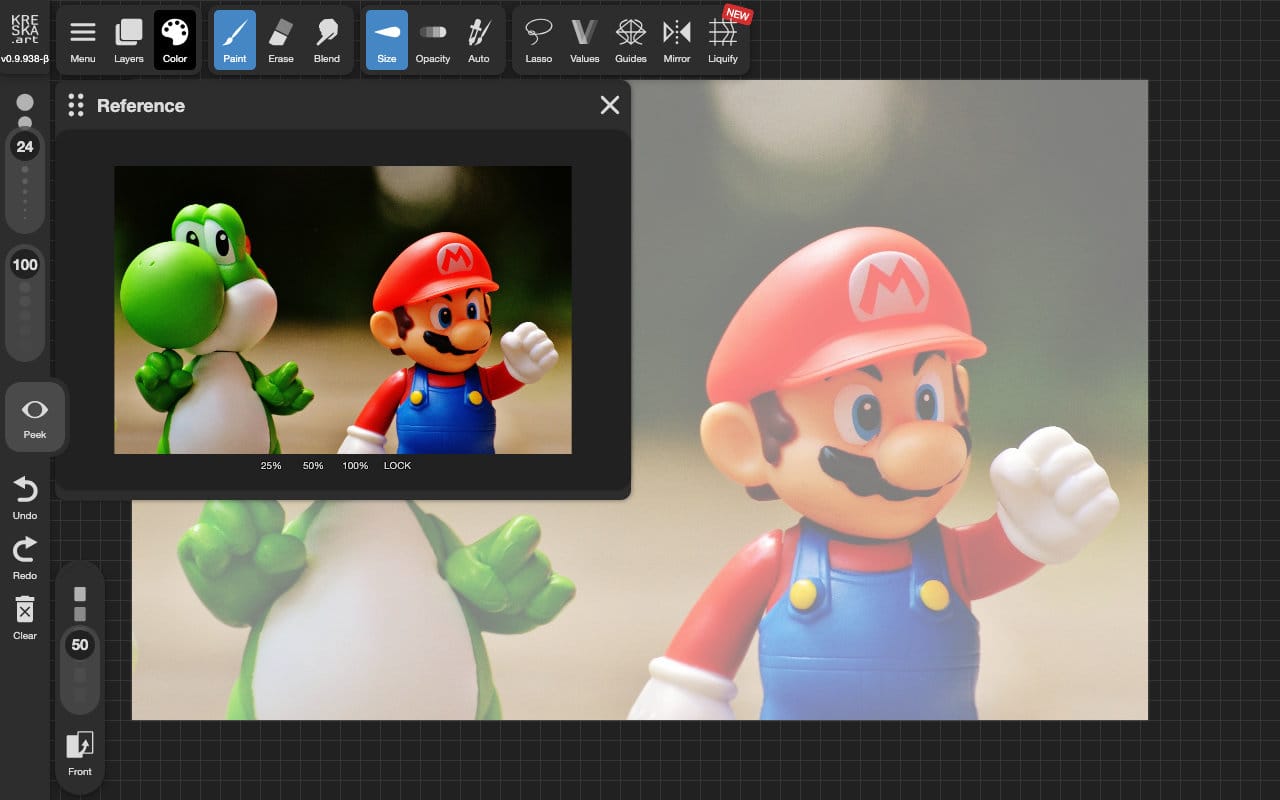
Both Andy and I are big fans of Procreate, the gorgeously-designed iOS app that's the darling of digital artists everywhere. Truth be told, there's not much like it on any other platform (and believe me, I've looked for it). But if you're looking for a cross-platform drawing app that feels thoughtfully crafted in a similar way to Procreate, KRESKA.art is worth a look.
KRESKA.art is fairly new on the scene, having only just launched in May of 2025. Given its young age, it's surprisingly robust, with reliable pen pressure sensitivity, full layer support, and a wide range of brush and tool options. While it may lack the premium feature set of paid apps like Photoshop or Procreate, it's more than capable of holding its own for most drawing workflows. There's even support for exporting directly to Procreate on iOS devices, so you can use them together for the best of both worlds. (And if a "no-AI" guarantee is important to you, it's got that, too.)
KRESKA.art is maintained by a solo artist and developer, who shares project updates and interacts with users over on Reddit. As of this writing, the app is free for all to use, but if you enjoy it and find it helpful, you can make a donation to support its future development.
4. Coolors
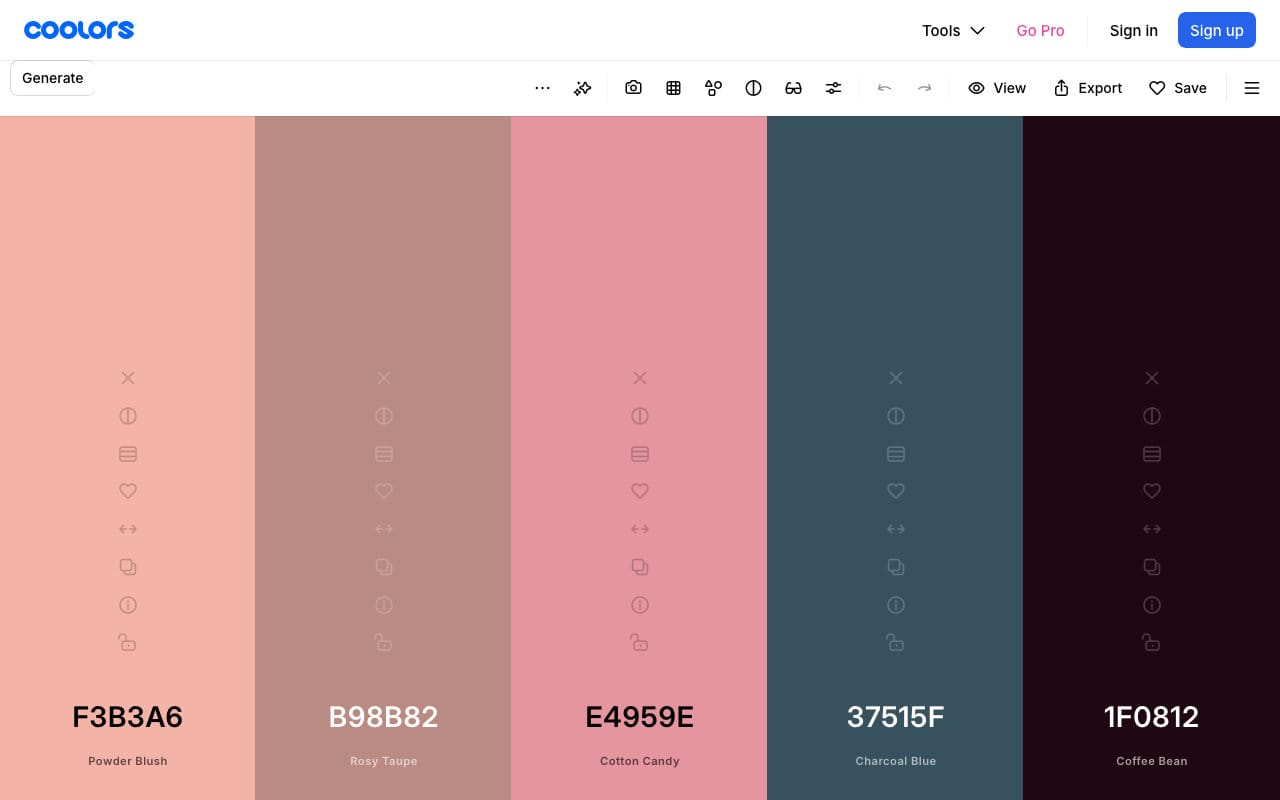
For most of us visual artists, color is an essential part of our work. Depending on how it's used, color can establish mood, create contrast or harmony, add emphasis, and so much more. But even if you're an expert in color theory, it can be a chore to create palettes from scratch for every new piece. Coolors offer a range of color-focused tools to help take some of the pain out of picking palettes for art and design projects.
Coolors' flagship palette generator tool couldn't be simpler: just load it up, then press the spacebar on your keyboard to generate a fresh palette of colors. Drop in colors that you've already picked, adjust individual swatches, and lock in your favorites, then tap space again to spin up a new set of colors that complement your selections. You can even pick colors from an image or preview your finished palette on sample projects to get an idea of how your colors might look in action.
Don't forget to spend some time browsing the rest of the site! The palettes shared by other users are a great source of inspiration, and the contrast checker is super helpful for graphic and UI designers. Pro subscriptions are available for those who'd like to unlock additional features.
5. Pomofocus
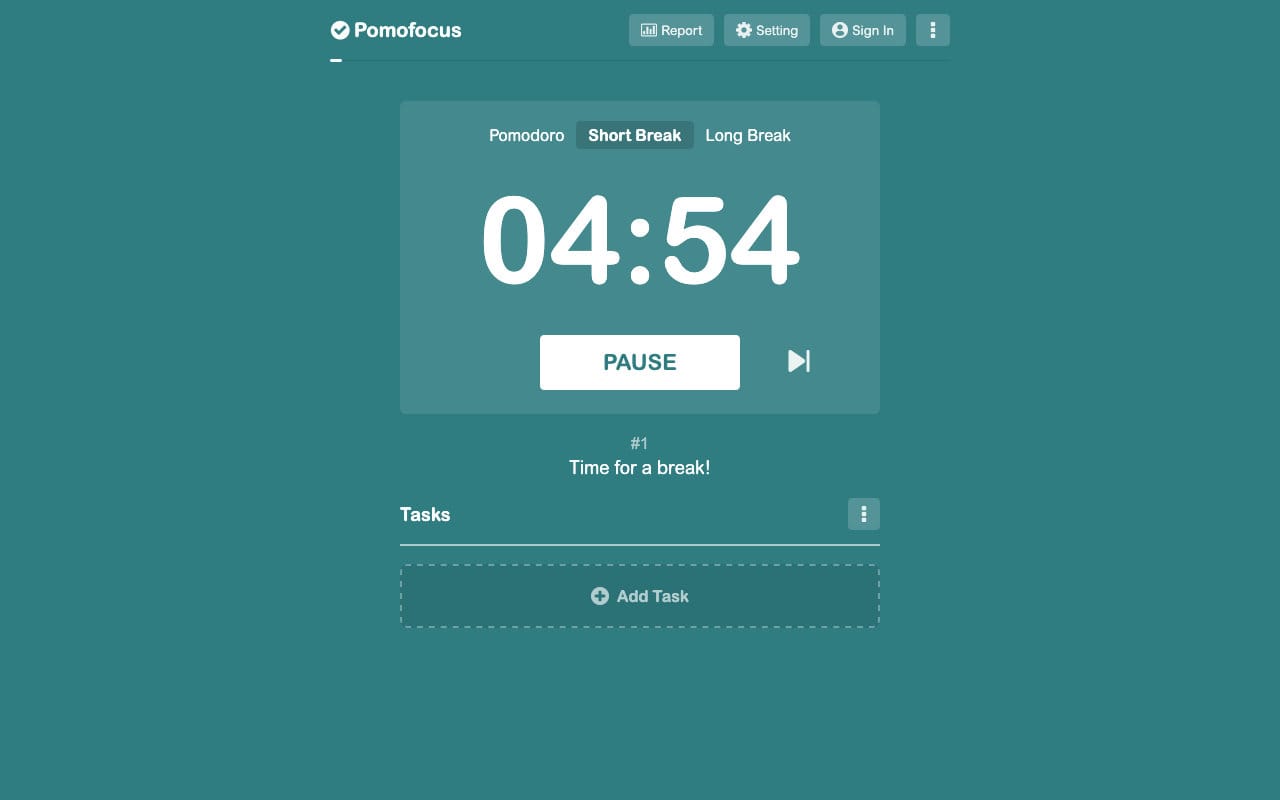
It's always a treat when external motivation happens along on its own, but sometimes, you just need to buckle down and get the work done. There's no shortage of tricks for making the magic happen, but the Pomodoro Technique is the one I find myself reaching for most often. Breaking up a long work period into bite-sized chunks makes starting a little less intimidating, and knowing the next rest is just a few minutes away makes it much easier to focus completely on the task at hand.
The Pomodoro Technique is low-tech by design, so there's no real need for specialized timers or tools, but a good purpose-built one can be a nice thing to have. Pomofocus adds several quality-of-life features for frequent pomodoro users, such as task templates, custom intervals, and visual reports that let you see how you're spending your time. The web app works on nearly all modern devices, or, if you prefer, a standalone client is available for Windows, macOS, and Linux PCs.
Premium users can take advantage of some added features, such as yearly reports, imports from Todoist, and webhook compatibility. Users can choose between monthly, annual, and one-time payment options.
Got a great resource that isn't shared here? Hot artists don't gatekeep—drop a link to it down in the comments!
Member discussion